Get started
Your first task
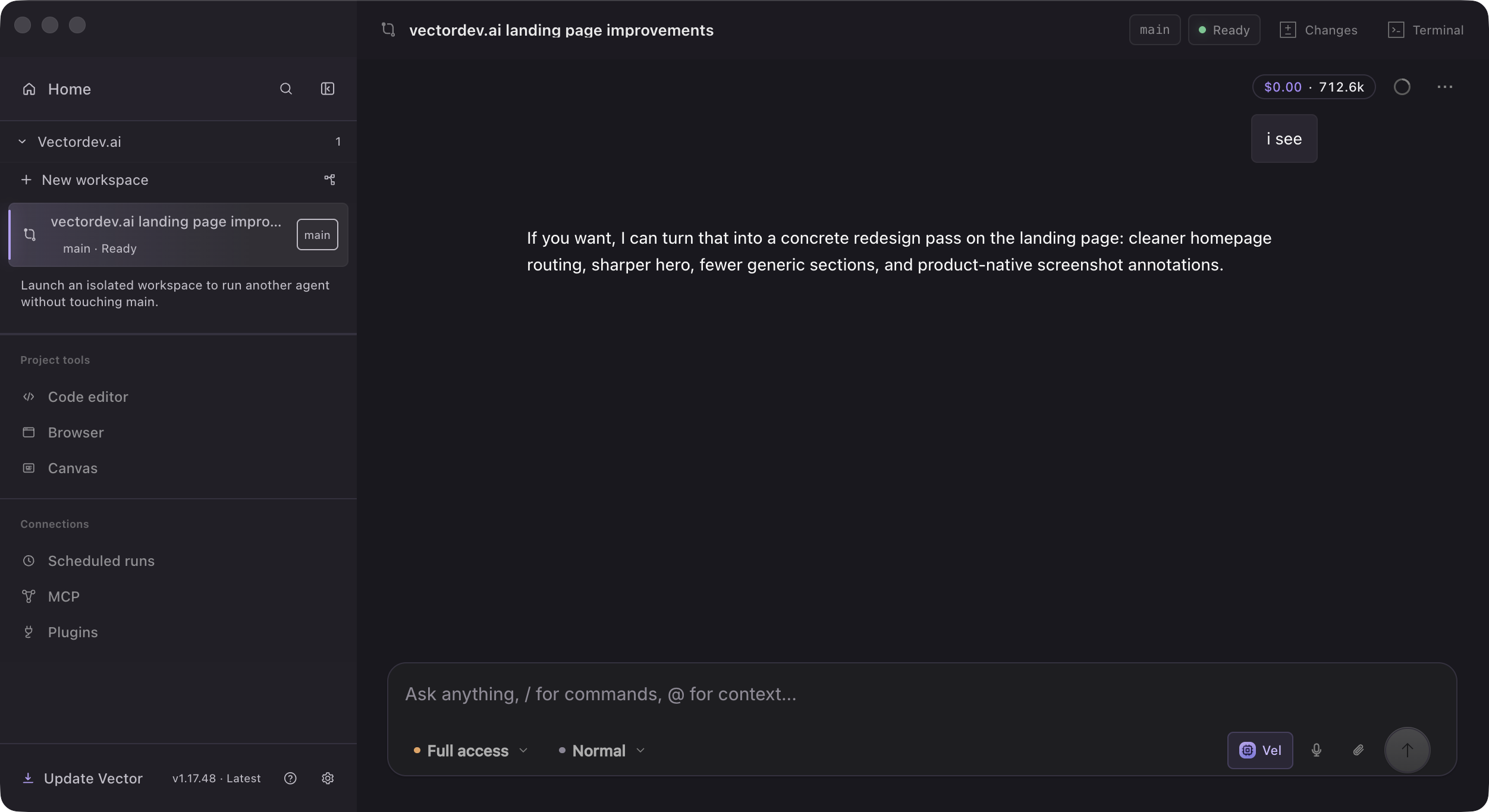
Open a repository on your disk, then describe the result, the constraints, and how Vector should verify the work. A strong first request is specific enough to test but small enough to review.
Open a repository
From Home, choose Open repository and select a local repository folder. Vector attaches conversations, browser state, usage, engineering tools, and agent workspaces to that repository.
- 1Open repository
Select the folder containing the repository you want to work on.
- 2Create a session
Start with one clear outcome rather than a list of unrelated ideas.
- 3Choose a model
Pick one from a provider you connected. See Models.
Describe the task
Add a responsive settings page to this repository. Follow the existing design system, run the relevant tests, open the app in the browser, and summarize every changed file.